Clockwork Cat
CONTROLS:
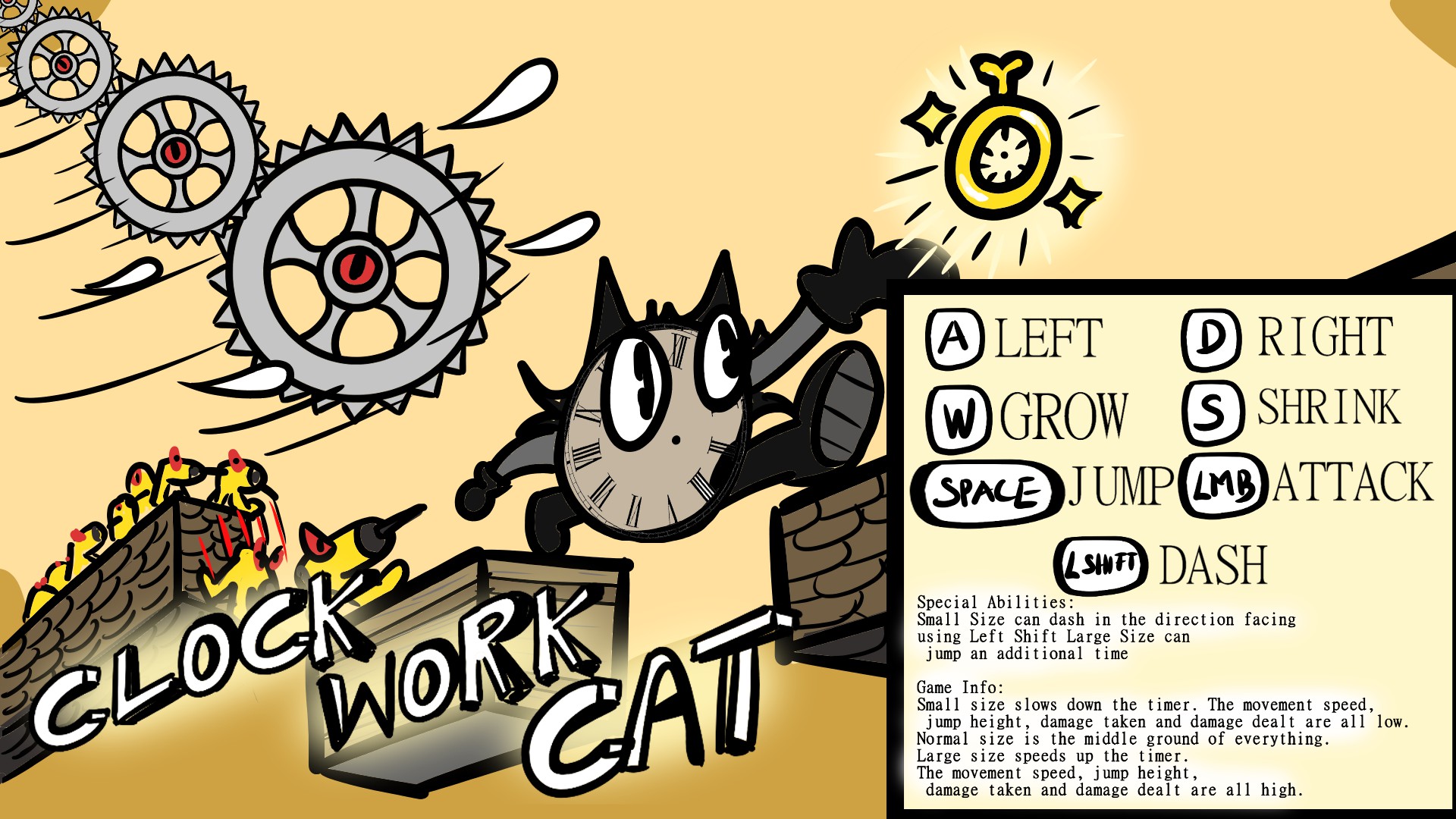
- Left Mouse Button: Attack
- A/D - Move left/right
- W/S - Increase/Decrease size
- Spacebar - Jump (Can jump an additional time in largest size)
- Left Shitf (in smallest size) - Dash in the direction facing
SIZE FEATURES:
- Small size:
- Reduces timer speed (and the world's speed) by 50%. All objects move slower
- Slower movement speed, lower jump height
- Light weight (Floats upwards in air streams)
- Deals reduced damage, takes double damage
- SPECIAL ABILITY: DASH (Press Left Shift to dash forward)
- Normal size:
- Neutral with no special effects.
- Large size:
- Increases timer speed (and the world's speed) by 50%. All objects move faster.
- Faster movement speed, higher jump height
- Heavy weight (Falls downwards in air streams)
- Deals massive damage, takes half as much damage.
- SPECIAL ABILITY: DOUBLE JUMP (Press spacebar after jumping to jump an additional time)
LEVEL GOAL:
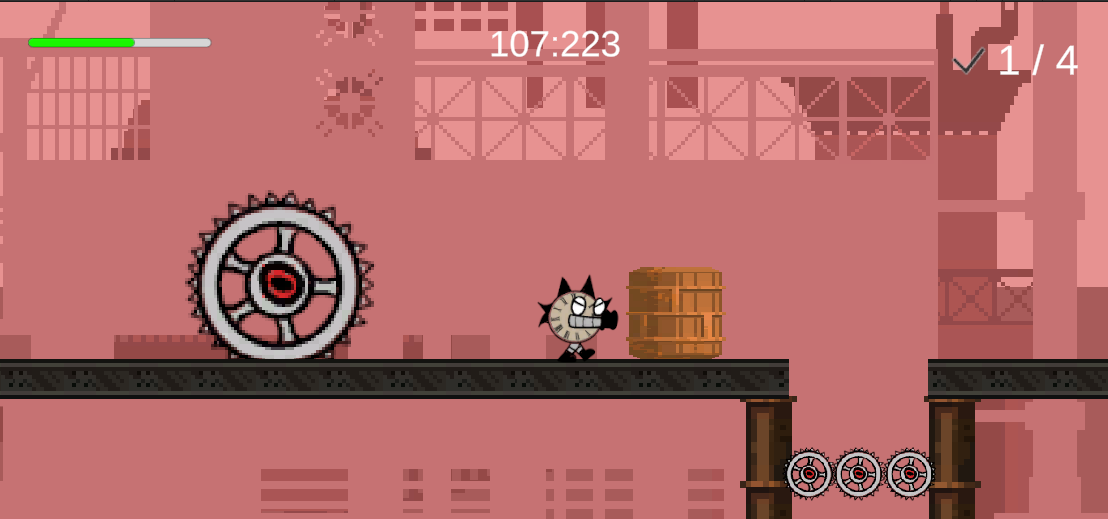
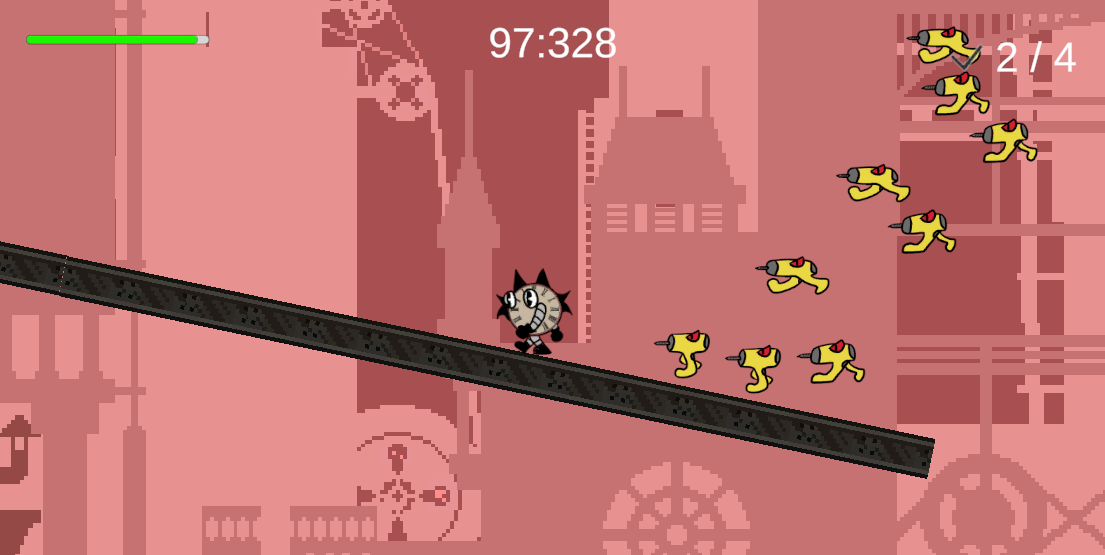
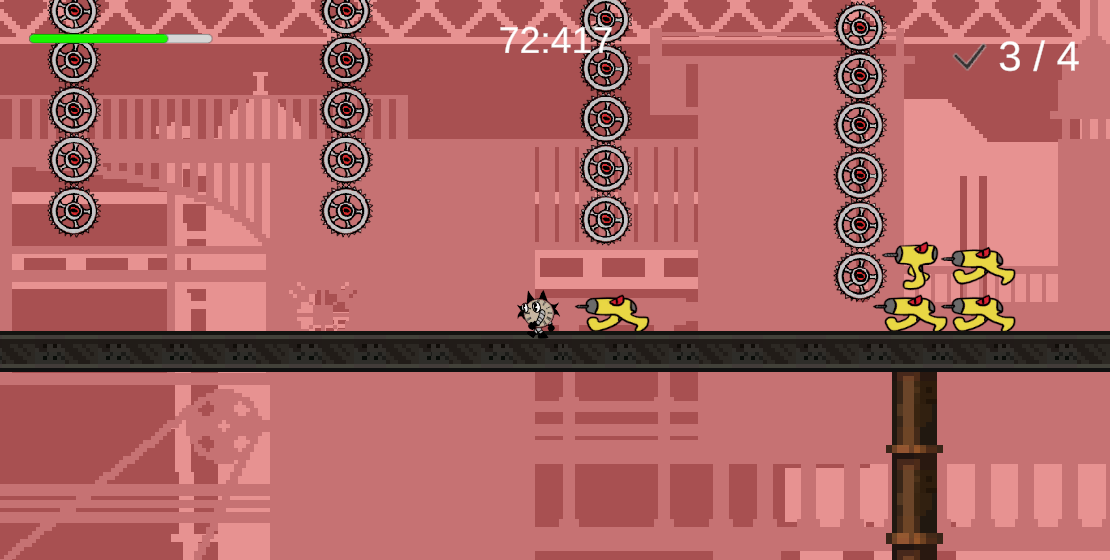
Collect all the watches in a level to win and proceed.
GAME SUMMARY:
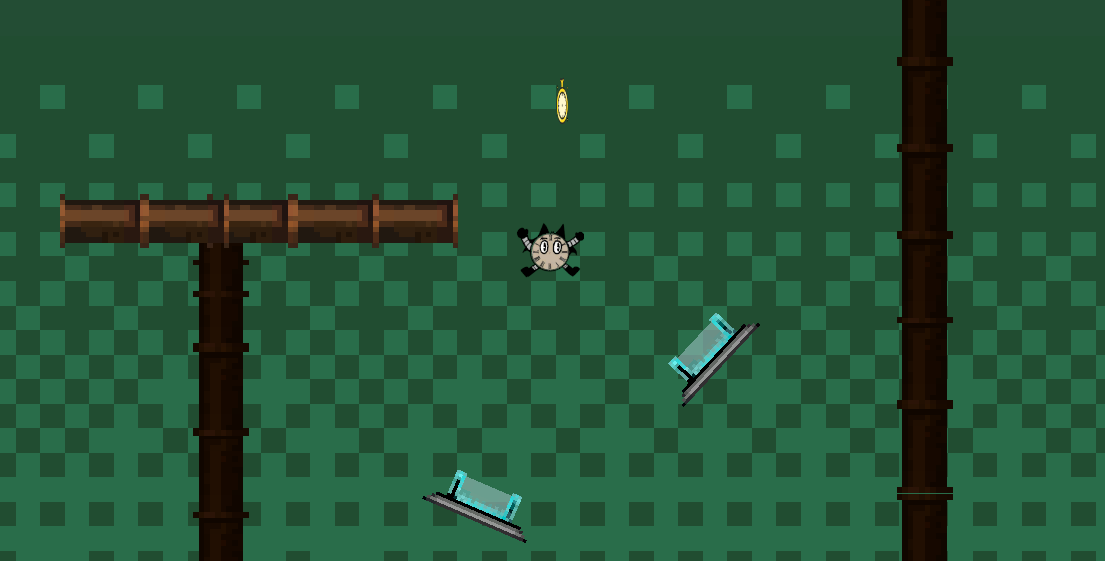
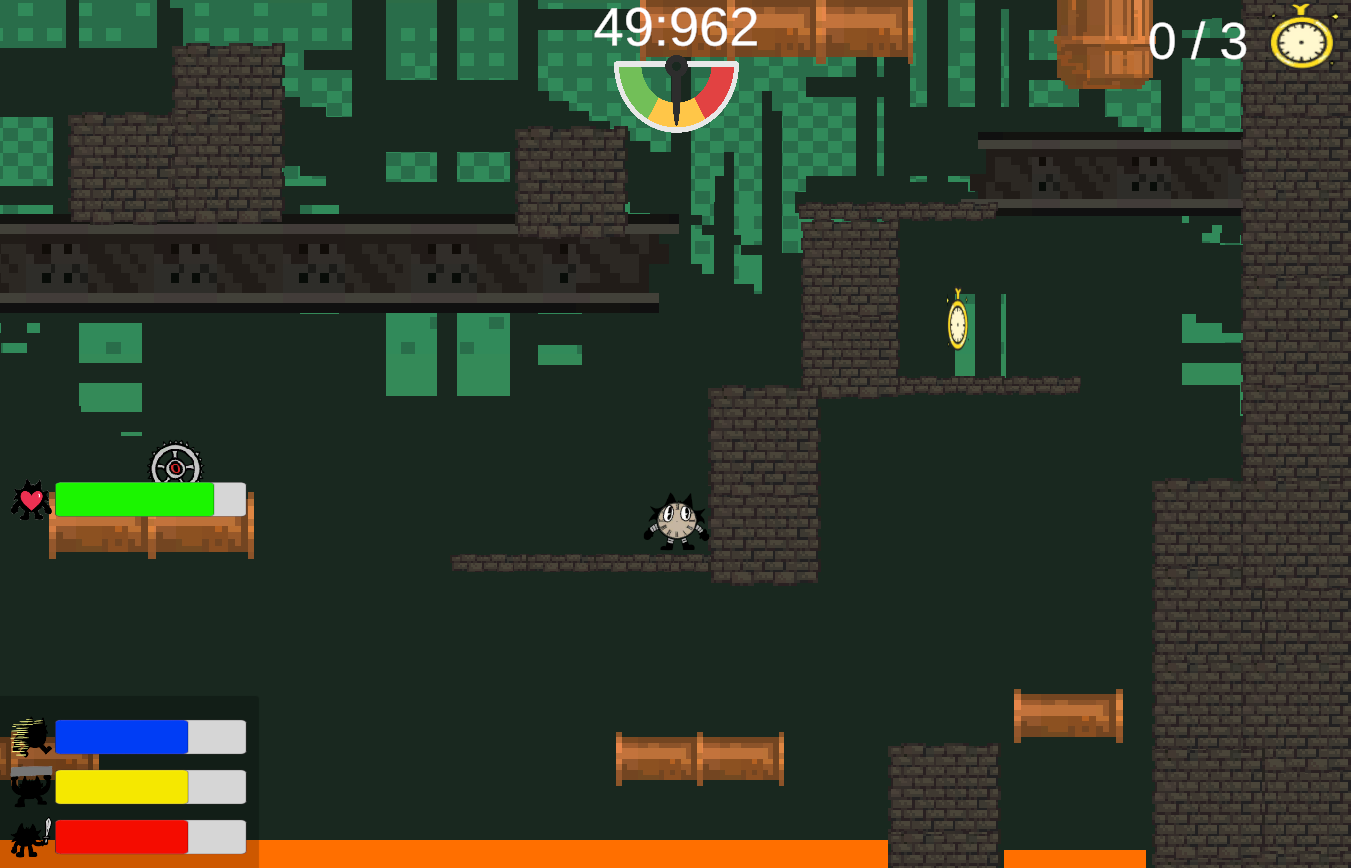
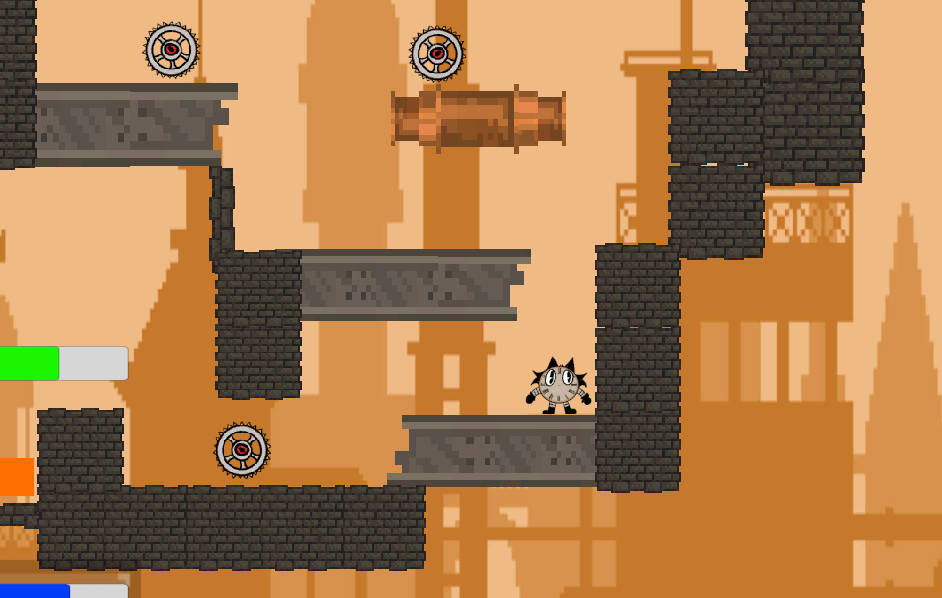
Play as a Kitty Clock who goes through 2D levels to find other small clocks before running out of time. Collecting clocks repairs the cat and helps it restore back to its original form. The game, made during GMTK Gamejam 2026 with the theme Count Down, is about changing the the size of the Kitty to reach all the clocks in the level. Changing the size affects the countdown as well as the gameplay. The smaller size slows down the time but reduces movement speed, jump height, outgoing and incoming damage. The larger size speeds up the timer but increases your movement speed, jump height, outgoing and incoming damage. The smaller size also give the player an ability to dash in the direction facing while the large size allows to jump an additional time. The levels are a mix of different obstacles that encourage changing and managing the timer as a resource to complete the level in the specified amount of time.
Download
Install instructions
Down the zip file, extract the contents. Run the .exe file to play the game. Instructions on how to play is on the Main Menu. Freely select any level to play, however we recommend starting with 1 and going in a sequential order.
Also playable on web